Introduction
Are you looking to remove an item from your Vinted profile? Whether you’re an experienced seller or a new Vintie, this task can sometimes feel confusing. In this article, we’ll guide you step by step to make this process simple and efficient.
Repost your Vinted listings in 2 clicks with Vinkit (€9/month)
I. Understanding Vinted and Its Features
A. Overview of Vinted
Vinted, a go-to platform for buying and selling second-hand items, has quickly established itself as a leader in the online marketplace for clothing, shoes, and accessories.
B. Key Features of Vinted
In addition to buying and selling, Vinted offers various features such as messaging between users, creating personalized catalogs, and managing your listings.
II. Preparing to Remove an Item
A. Common Reasons for Removing an Item
Users choose to remove items for various reasons, ranging from selling the item outside the platform to changing their mind about selling.
B. Checking Vinted’s Policies
Before removing an item, it’s important to check Vinted’s selling conditions to ensure that the removal complies with the platform’s rules.
Join Vinkit
Learn to sell 10x faster on Vinted. The first community around Vinted.
Join
.nc-loop-dots-4-24-icon-o{—animation-duration:0.8s} .nc-loop-dots-4-24-icon-o *{opacity:.4;transform:scale(.75);animation:nc-loop-dots-4-anim var(—animation-duration) infinite} .nc-loop-dots-4-24-icon-o :nth-child(1){transform-origin:4px 12px;animation-delay:-.3s;animation-delay:calc(var(—animation-duration)/-2.666)} .nc-loop-dots-4-24-icon-o :nth-child(2){transform-origin:12px 12px;animation-delay:-.15s;animation-delay:calc(var(—animation-duration)/-5.333)} .nc-loop-dots-4-24-icon-o :nth-child(3){transform-origin:20px 12px} @keyframes nc-loop-dots-4-anim{0%,100%{opacity:.4;transform:scale(.75)}50%{opacity:1;transform:scale(1)}}
Email sent! Check your inbox to complete your signup.
III. Steps to Remove an Item on Vinted
A. Access Your Profile
Log into your Vinted account and go to your profile to see the list of your items for sale.
B. Select the Item to Remove
Navigate through your catalog and select the item you wish to remove.
C. Removal Process
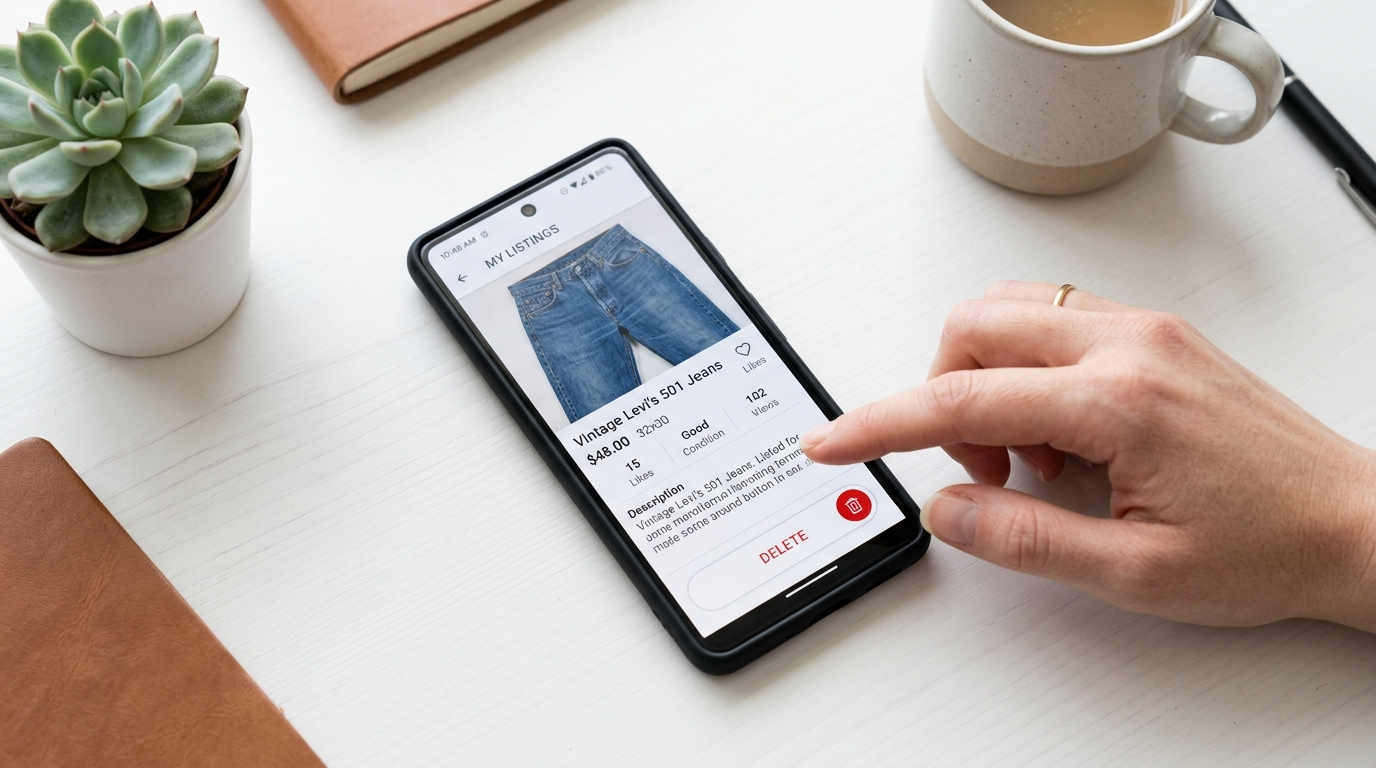
Once the item is selected, click on the removal option and follow the instructions to take the item out of your catalog.
IV. Considerations After Removal
A. Notifying Interested Users
If there were users interested in your item, it’s courteous to inform them of its removal.
B. Managing Your Catalog Post-Removal
After removal, review your catalog to ensure it accurately reflects the items you wish to sell.
V. Tips for Effective Catalog Management on Vinted
A. Regular Updates
To keep an appealing catalog, update it regularly by adding new items and removing old ones.
B. Clear Photos and Descriptions
Make sure each item is presented with quality photos and a detailed description.
Conclusion
Removing an item on Vinted is a straightforward procedure, but it’s important to do it thoughtfully to maintain an attractive catalog that meets buyers’ expectations. By following these steps, you can effectively manage your listings and optimize your Vinted experience.
Can I recover an item after deleting it on Vinted?
No, once an item is deleted, it cannot be recovered. You will need to create a new listing if you want to relist it.
Is the deletion of an item on Vinted permanent?
Yes, deletion is permanent. Make sure you really want to remove the item from sale before proceeding.
How can I inform interested buyers about the removal of my item?
You can send a direct message to users who showed interest in the item, explaining that it is no longer available.
Is it possible to delete an item that is currently in transaction?
No, you cannot delete an item if a transaction is in progress. You will need to wait for the sale to conclude or be canceled.
Does deleting an item on Vinted affect my profile or ratings?
No, deleting an item does not directly affect your profile or ratings, as long as you adhere to the rules and best practices of the Vinted community.