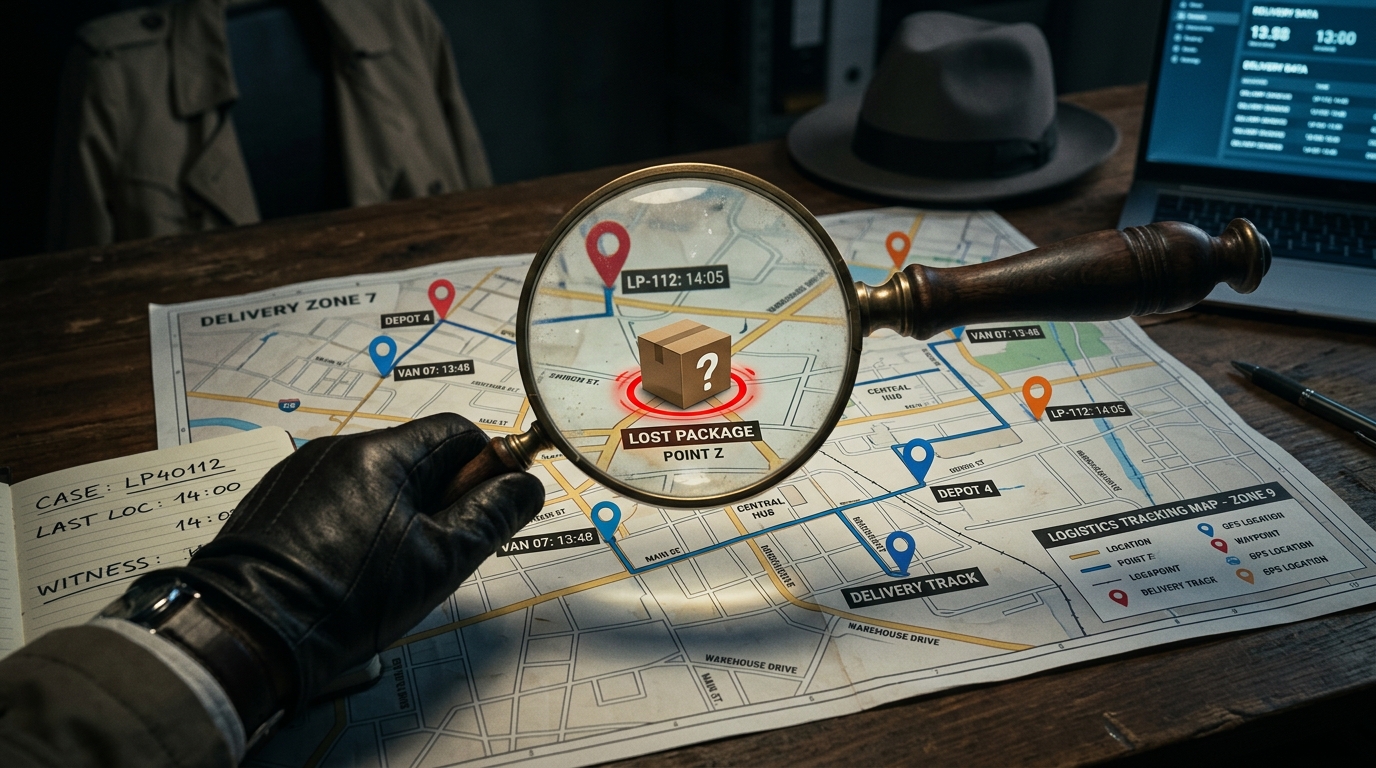
Today, we’re going to tackle a common issue that many Vinted users face: “How to find a lost package on Vinted?”. Losing a package can be a frustrating experience, especially when it involves an important transaction. In this article, we’ll guide you through the steps to take in order to locate a lost package and resolve the issue effectively.
Steps to Follow to Find a Lost Package
Packages can go missing for several reasons: transport errors, incorrect addresses, or even processing mistakes. Here are the steps to follow to try and locate a lost package on Vinted:
1. Check the Package Tracking
The first step is to check the tracking of your package. Has the package been sent? Here’s how to do it:
- Open the Vinted app and go to the “My Orders” tab.
- Select the relevant order to view the details.
- Click on the tracking number to access the tracking information provided by the carrier.
2. Contact the Carrier
If the tracking information is unclear or indicates a problem, contact the carrier directly (Colissimo? La Poste? Here are a few points to check:
- Tracking number: Have the tracking number handy.
- Shipping date and delivery address: Ensure that this information is correct.
- Additional information: Ask the carrier if they have any extra information about the status of your package.
3. Inform Vinted Customer Service
If you’re unable to resolve the issue with the carrier, contact Vinted customer service. Here’s how to do it:
- Open the Vinted app and go to the “Help” tab. How to contact Vinted support?
- Select “Contact Us” to submit a ticket or use the online chat.
- Provide all the details of your order and tracking to help customer service understand the situation.
4. Wait for Vinted’s Response
Vinted’s customer service will review your request and provide you with a response. They may contact the carrier on your behalf or offer you an alternative solution, such as a refund.
Frequently Asked Questions About a Lost Package on Vinted
What should I do if the tracking shows that the package was delivered, but I haven’t received it?
Contact the carrier immediately for information about the delivery. If that doesn’t resolve the issue, inform Vinted customer service so they can investigate and assist you.
How long should I wait before declaring a package lost?
This depends on the carrier and the usual delivery times. Generally, wait a few days after the estimated delivery date before contacting the carrier. If the package is still missing, reach out to Vinted customer service.
Does Vinted offer insurance for lost packages?
Vinted provides buyer protection that covers orders under certain conditions. Check Vinted’s terms and conditions for more details on this protection.
Can I get a refund for a lost package?
Yes, if the package is confirmed as lost and all necessary steps have been followed, you may be eligible for a refund. Contact Vinted customer service to initiate the refund process.
What should I do if the seller refuses to cooperate in finding the package?
Report the issue to Vinted customer service. They will intervene to help resolve the conflict and find a fair solution for both parties.
In conclusion, finding a lost package on Vinted may seem complicated, but by following these steps, you’ll increase your chances of resolving the issue effectively. For more tips and informative articles, stay connected with the Vinkit blog!