
Having trouble launching the Vinted app? Can’t publish anything? Is your payment stuck? Vinted has over 65 million users in Europe, and some bugs are common in 2026. Here are the 8 most frequent issues, their real causes, and the solutions that actually work.
Always check downdetector.fr/statut/vinted first — if the service is down globally, just wait; it’s not you.
1. The Vinted app won’t launch
Symptoms: white screen, immediate crash, persistent “Network error.”
Cause #1 — Outdated version: Vinted has been enforcing updates since 2024. If your app is over 60 days old, it might be blocked.
Solution:
- Go to the App Store / Play Store
- Check for available updates for Vinted
- Update, then restart
Cause #2 — Corrupted cache: mainly on Android.
Solution: Settings → Apps → Vinted → Storage → Clear cache (not data). Relaunch.
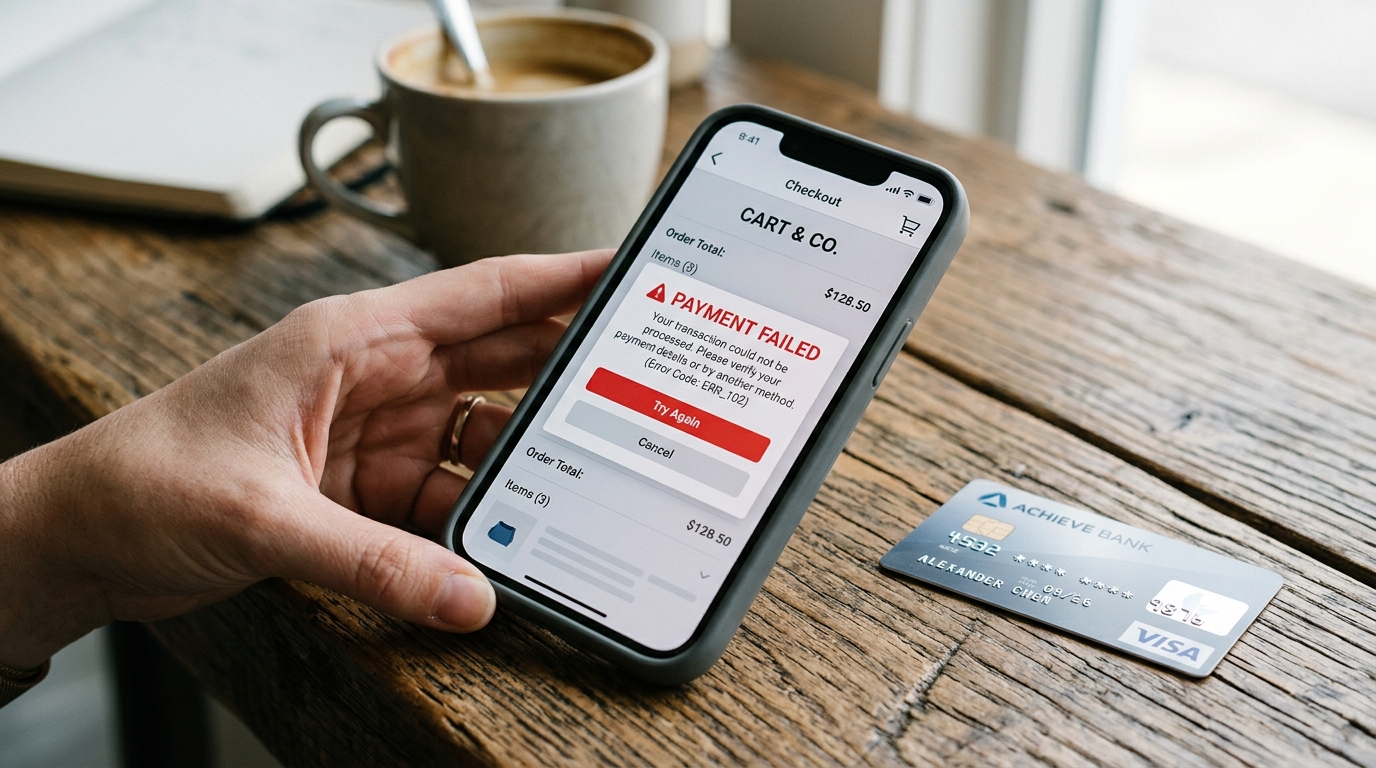
2. “Payment error” when making a purchase
Symptoms: unable to complete the purchase, message “Payment error” or “Card declined.”
Possible causes:
- Insufficient balance or monthly limit reached
- 3D Secure not confirmed in time
- Expired or recently changed card
- Banking restrictions (French bank blocking payments to foreign companies)
- Conflicting Vinted wallet balance (if you’re mixing payment methods)
Step-by-step solution:
- Check your card (expiration date, limit)
- Try another card
- If you have Vinted balance, ensure it covers the total (mixed payments often fail)
- If nothing works, wait 24 hours and try again (temporary blocks usually lift)
See How Vinted wallet works for details.
3. Unable to publish a listing
Symptoms: “Publish” button grayed out, message “An error occurred.”
Cause #1 — Non-compliant photos: since the AI moderation 2026, Vinted automatically rejects certain photos.
Solution:
- Ensure photos are well-lit
- No logos from other platforms visible (Vestiaire, Depop)
- Standard jpg/png format (no unconverted iOS HEIC)
Cause #2 — Blocked title/description: use of prohibited keywords (unverified brand names, “Hermès” without authentication, etc.).
Solution: soften the title (“scarf in Hermès style” instead of “Hermès”). For authentic items, wait for verification (24-72 hours for luxury brands).
Cause #3 — Incorrectly declared category: Vinted rejects items classified as “Fashion” but detected as “Home” (for example).
Solution: reclassify into the correct category.
4. Photos not uploading
Symptoms: “Upload failed,” infinite loading icon.
Cause: unstable 4G/5G or Wi-Fi connection, or photo sizes too large.
Solution:
- Switch to a stable Wi-Fi connection (not at a Starbucks)
- Compress your photos before publishing (TinyPNG, PhotoRoom)
- Maximum 1080×1920 px per photo, ideally < 1 MB each
5. Temporarily blocked account / shadow-ban
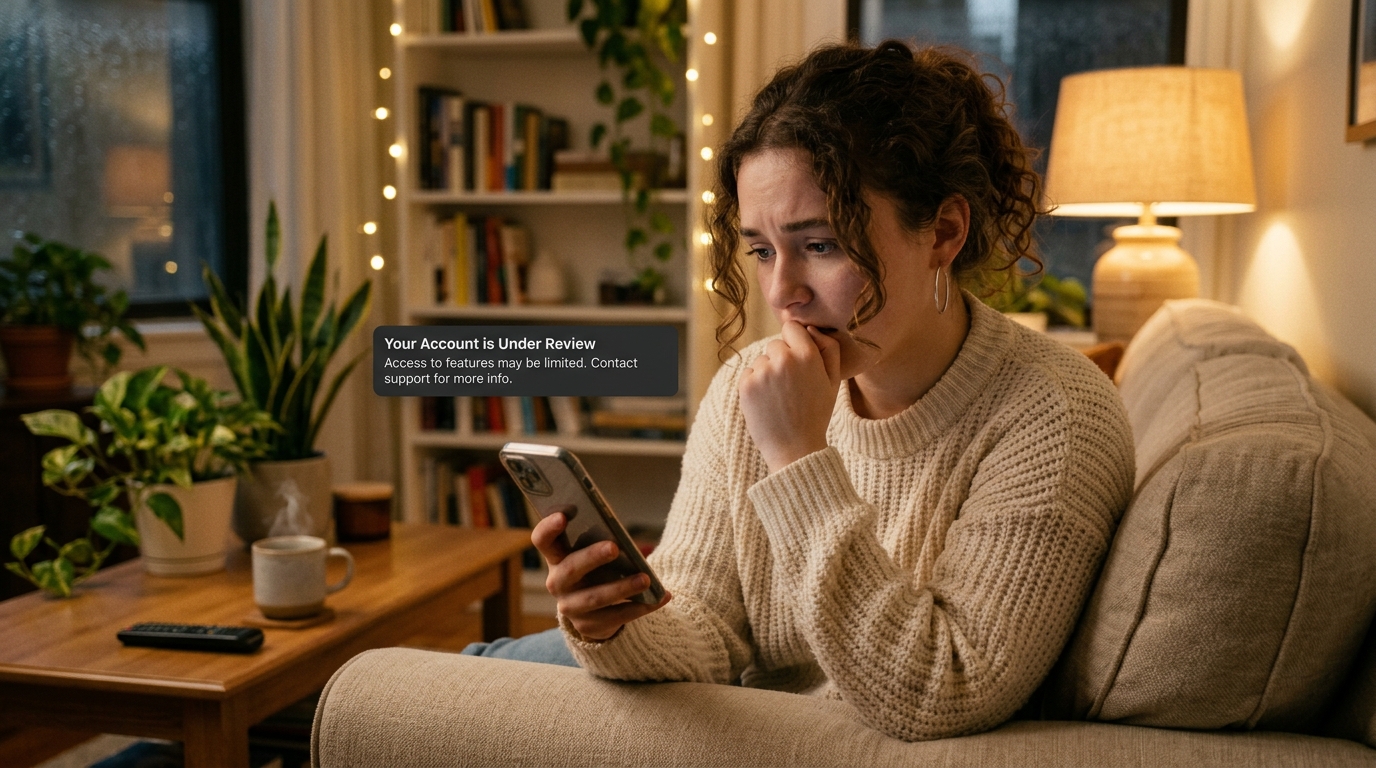
Symptoms: your listings receive no views, or a message “Your account is under review” appears.
Main causes:
- Too frequent reposting (> 1x per day for several days). See How often to repost
- Multiple reports from other users
- Suspicions of account sharing. See Sharing a Vinted account as a couple
- Grouped negative ratings
Solution:
- Stop all automated actions for 10 days
- Do not publish or repost
- Stay active (respond to messages)
- If you receive an official message, respond precisely with the requested justifications
The shadow-ban typically lifts in 7-14 days in 80% of cases. For formal blocks, expect 2-3 weeks.
6. Money stuck in the Vinted wallet
Symptoms: unable to transfer money to your bank account.
Causes:
- Unverified IBAN (first transfer to a new bank)
- Unconfirmed identity (DAC7 requires Vinted to verify beyond €2000/year)
- Standard delay (transfers take 5-7 business days)
- Ongoing dispute on a transaction
Solution:
- Verify your identity (Settings → My account → Verification)
- Confirm your IBAN if requested
- Wait 7 business days before contacting support
For transfer details: How to transfer Vinted money to your bank account.
7. Notifications not working anymore
Symptoms: you no longer receive notifications for favorites, messages, sales.
Cause #1 — iOS/Android settings: notifications may be disabled at the OS level without Vinted knowing.
Solution:
- iOS: Settings → Notifications → Vinted → allow
- Android: Settings → Apps → Vinted → Notifications → all enabled
Cause #2 — Vinted background activity disabled:
Solution: allow Vinted to run in the background (battery saver may block it).
Cause #3 — Light shadow-ban: Vinted slows down notifications for certain flagged accounts.
Solution: refer to section 5 above.
8. “Unable to connect” even though your credentials are correct
Symptoms: “Wrong email or password” even when you’re sure.
Causes:
- Account on a different email address (you accidentally created two Vinted accounts)
- Password recently changed and hidden by your manager
- Account suspended, message from Vinted in the email
Solution:
- Check your emails (inbox + spam) for a message from Vinted
- Try “Forgot password” — if it sends an email, your account exists
- If no email received, it’s not the correct email associated
See Vinted email login for details.
When to contact Vinted support
If the problem persists after the above solutions:
- Vinted help center — first line, automated response
- Contact form (at the bottom of the help center) — human response in 2-5 days
- For urgent issues (blocked account with money on it), use the live chat available in the app (Settings → Help → Contact support)
Useful external sources
- DownDetector — Vinted Status (real-time outage alerts)
- Official Vinted help center (official FAQ)
- Vinted SE — Technical Status (infrastructure status)
- 60 million consumers — Vinted, rights and remedies (specialized consumer rights press)
FAQ
Is Vinted often down? Global outages: very rare (1-2 per year). Targeted bugs (payment, moderation): more frequent but affect < 1% of users.
How long does a typical account block take? 7-14 days for a classic shadow-ban, 2-3 weeks for a formal block with human review.
If Vinted crashes while sending a payment, will I be charged twice? No. The transaction is only validated at the end of the flow. Check your bank account before re-paying — if nothing has been debited, the payment did not go through.
My account is blocked and I have money on it, will I get my money back? Yes, in 99% of cases. Vinted does not confiscate money, even in case of suspension. Transfers remain possible once identity is confirmed.
How can I avoid these problems? Update the app monthly, use a verified IBAN, space out your reposts (max every 5-7 days), keep your purchase proofs for valuable items.
In summary
8 most common Vinted problems in 2026:
- App crashing → Update + cache
- Payment declined → Card or limit
- Publication blocked → Photos or category
- Photos not uploading → Compression + Wi-Fi
- Account blocked/shadow-ban → Stop for 10 days
- Money stuck → IBAN or identity
- Missing notifications → OS settings
- Unable to connect → Wrong email
99% of these issues resolve within 24-48 hours without support intervention.
Next to read: Vinted email login · Vinted transfer to bank account · Vinted in 2026: 7 new features


