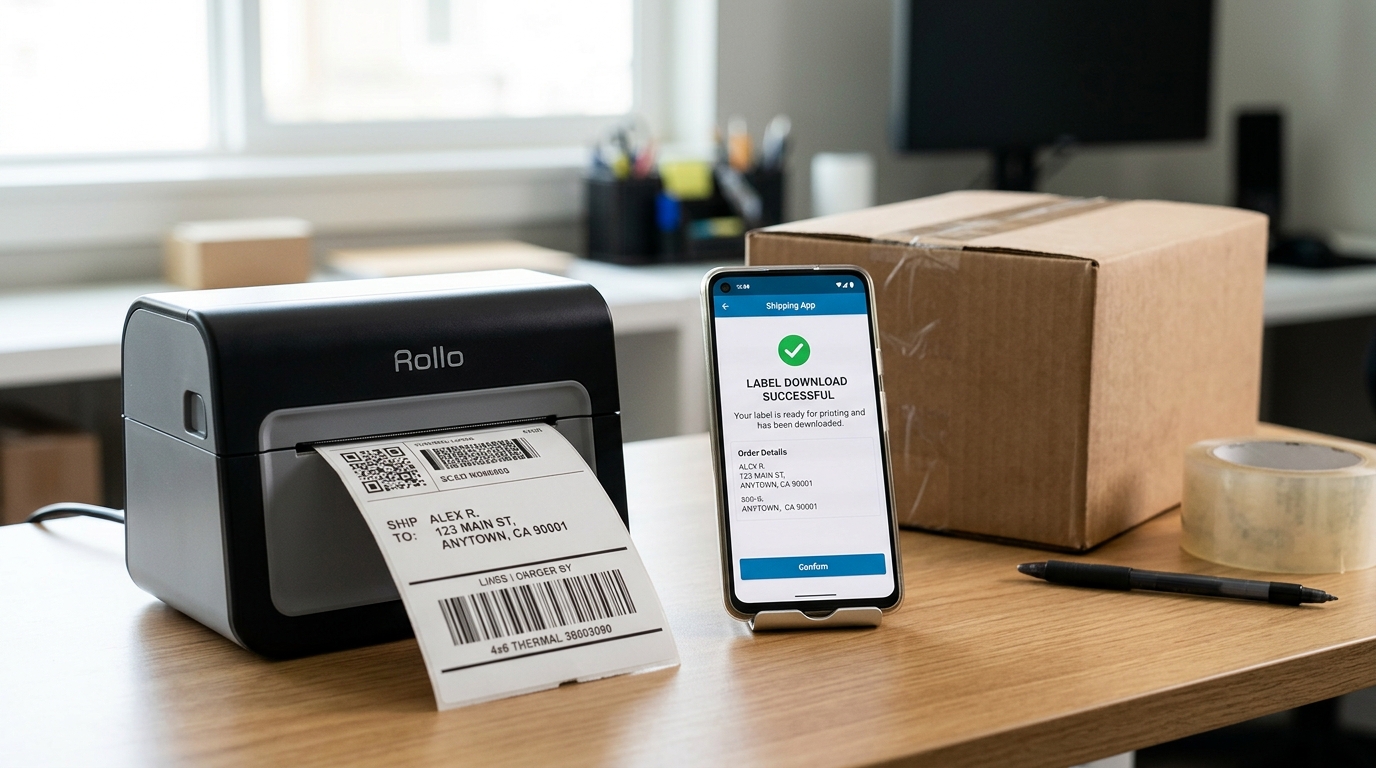
If you want to download your Vinted shipping label, you’ve come to the right place. Here are the 2 best ways to download your La Poste or Colissimo shipping label.
Download the shipping label from the conversation
Downloading the shipping label from a conversation on Vinted is super easy. Go to your messages, then click on the message with a pending status. You will then be able to download your La Poste shipping label or Colissimo. When you click on Get the shipping label, it is usually created within moments. You can then access it in your inbox or download it directly.
Download the shipping label from the Vinted conversation
Get the label from the confirmation email
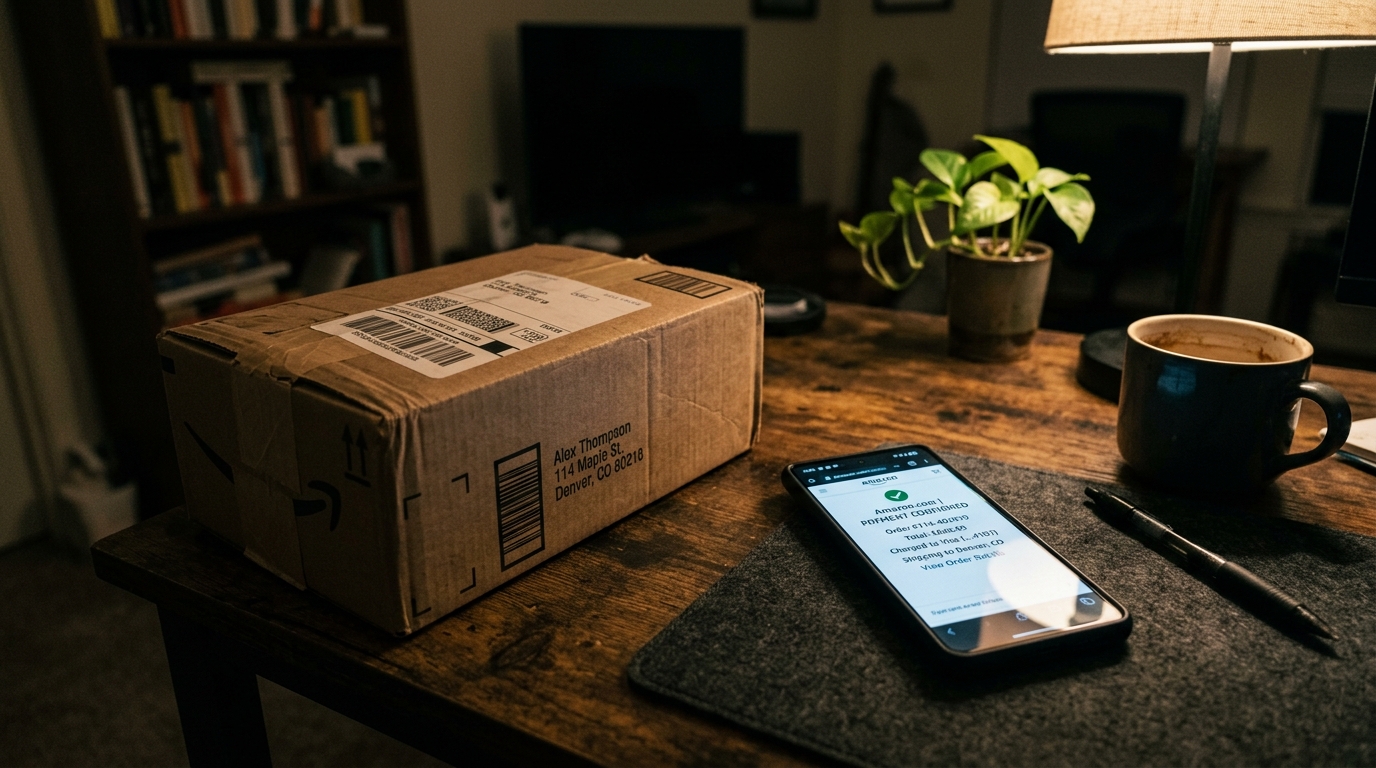
When a Vintie purchases your item from your closet, you will receive a confirmation email that includes the shipping label shortly after. Note that you can download it from your emails as an attachment.
Issue with downloading the shipping label
On the Vinted forum, we found a recurring issue with downloading the shipping label. If you’re having trouble downloading it, here’s what to do:
- Log in after midnight to request a new download of the shipping label
- Contact Vinted support, as Chronopost limits the number of shipping labels that can be sent per day.