
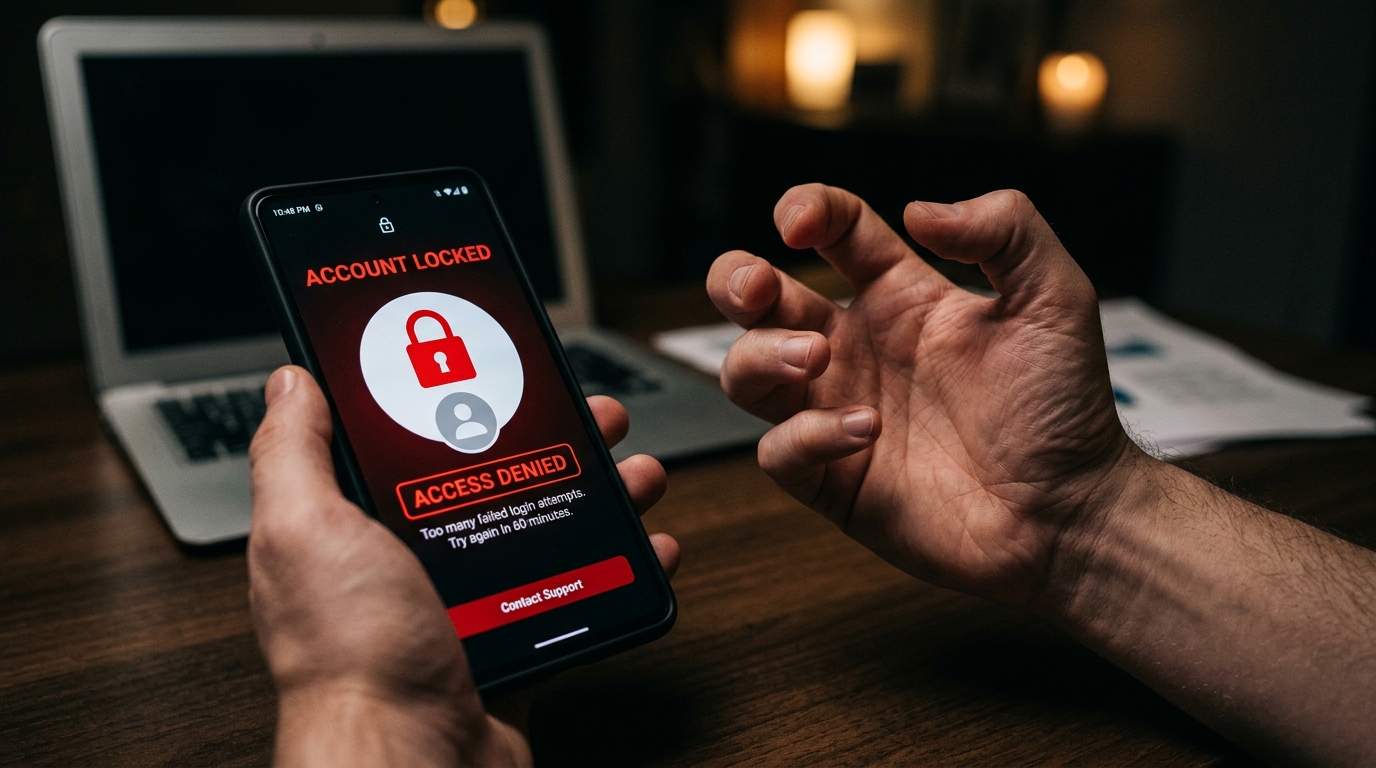
Si votre compte Vinted est bloqué, commencez par lire le message de modération reçu dans votre messagerie Vinted ou par e-mail : il indique le motif et contient le lien pour contester la décision. Un blocage temporaire se lève automatiquement au bout de 7 à 30 jours selon le motif ; un blocage définitif peut être contesté une seule fois, dans les 6 mois, avec des preuves. Dans les deux cas, l’argent de votre porte-monnaie reste à vous.
Voici comment identifier la cause, contester efficacement, récupérer votre solde et éviter que cela se reproduise.
Pourquoi votre compte Vinted est-il bloqué ?
Vinted bloque un compte lorsqu’il estime que ses Conditions d’utilisation, ses Règles du catalogue ou, pour les vendeurs pros, ses conditions Pro n’ont pas été respectées. Les motifs les plus fréquents :
- Une activité commerciale non déclarée : beaucoup d’articles neufs avec étiquette, le même modèle proposé en plusieurs tailles, des achats faits pour revendre… Si vous vendez comme un professionnel, vous devez utiliser un compte Vinted Pro.
- Des articles interdits ou non conformes : contrefaçons (même vendues de bonne foi), produits interdits par les Règles du catalogue, photos récupérées sur Internet au lieu de vos propres clichés.
- Des transactions hors plateforme : proposer de payer par virement ou de se rencontrer « pour éviter les frais » est contraire aux règles de Vinted.
- Le comportement envers les autres membres : messages insultants, litiges ou annulations à répétition, faux avis.
- L’utilisation de bots ou d’outils automatisés : les outils qui publient, republient ou envoient des messages à votre place peuvent entraîner une restriction du compte.
- Un problème de sécurité : connexion suspecte, compte potentiellement piraté, vérification d’identité demandée par le prestataire de paiement. Dans ce cas, il s’agit souvent d’une vérification et non d’une sanction.
À ne pas confondre avec le blocage entre membres, qui ne touche pas votre compte : il est expliqué dans bloquer quelqu’un sur Vinted, avec le sens du message « membre indisponible ».

Blocage temporaire ou définitif : comment savoir ?
En vous connectant, Vinted affiche la situation de votre compte :
- Compte en cours de vérification : si vous avez seulement reçu un avis indiquant que votre compte est examiné, la situation se règle en général rapidement. Inutile d’envoyer plusieurs messages.
- Blocage temporaire : le compte se débloque automatiquement au bout de 7 à 30 jours selon le motif, et la date de déblocage s’affiche quand vous vous connectez. Un déblocage anticipé n’est possible que si vous prouvez que le blocage est une erreur.
- Blocage définitif : vous pouvez encore vous connecter pour contacter Vinted et transférer l’argent de votre porte-monnaie, mais vous ne pouvez plus vendre ni acheter, et le compte ne peut pas être supprimé.
| Situation | Ce qui se passe | Que faire |
|---|---|---|
| Compte en vérification | Examen en cours | Patienter, répondre aux demandes de Vinted |
| Blocage temporaire | Déblocage automatique (7 à 30 jours) | Attendre ou contester avec des preuves si c’est une erreur |
| Blocage définitif | Accès limité au porte-monnaie et au support | Contester une seule fois, dans les 6 mois |
Comment contester un blocage Vinted
1. Retrouvez le message de modération
Ouvrez votre messagerie Vinted ou l’e-mail vous informant de la décision. Il précise le motif et contient un lien pour contester. Attention : vous ne pouvez contester une décision qu’une seule fois, et dans les 6 mois suivant sa réception. Mieux vaut donc préparer votre dossier avant de cliquer.
2. Faites le point sur votre activité récente
Le motif indiqué est parfois vague (« activité suspecte », « non-respect des règles »). Relisez vos dernières semaines sur la plateforme :
- Avez-vous publié une série d’articles neufs, identiques ou en plusieurs tailles ?
- Avez-vous utilisé des photos qui ne sont pas les vôtres ?
- Avez-vous évoqué, même pour plaisanter, un paiement en dehors de Vinted ?
- Avez-vous annulé plusieurs ventes d’affilée ou eu un échange tendu avec un acheteur ?
Vous saurez ainsi quoi expliquer et quelles preuves réunir.
3. Rassemblez vos informations et vos preuves
Notez votre pseudo exact, l’adresse e-mail du compte, la date du blocage et faites une capture d’écran du message reçu. Ajoutez ensuite les preuves qui répondent au motif invoqué :
- Soupçon d’activité commerciale : tickets de caisse ou factures (en masquant vos données bancaires) qui montrent que les articles étaient pour vous ou votre famille. Exemple : plusieurs paires de baskets neuves achetées en ligne, mais pas à la bonne taille.
- Photos jugées non originales : reprenez l’article en photo, avec à côté une feuille portant votre pseudo et la date du jour écrits à la main.
- Article signalé comme contrefaçon : facture d’achat, photos des étiquettes, certificat d’authenticité si vous en avez un.
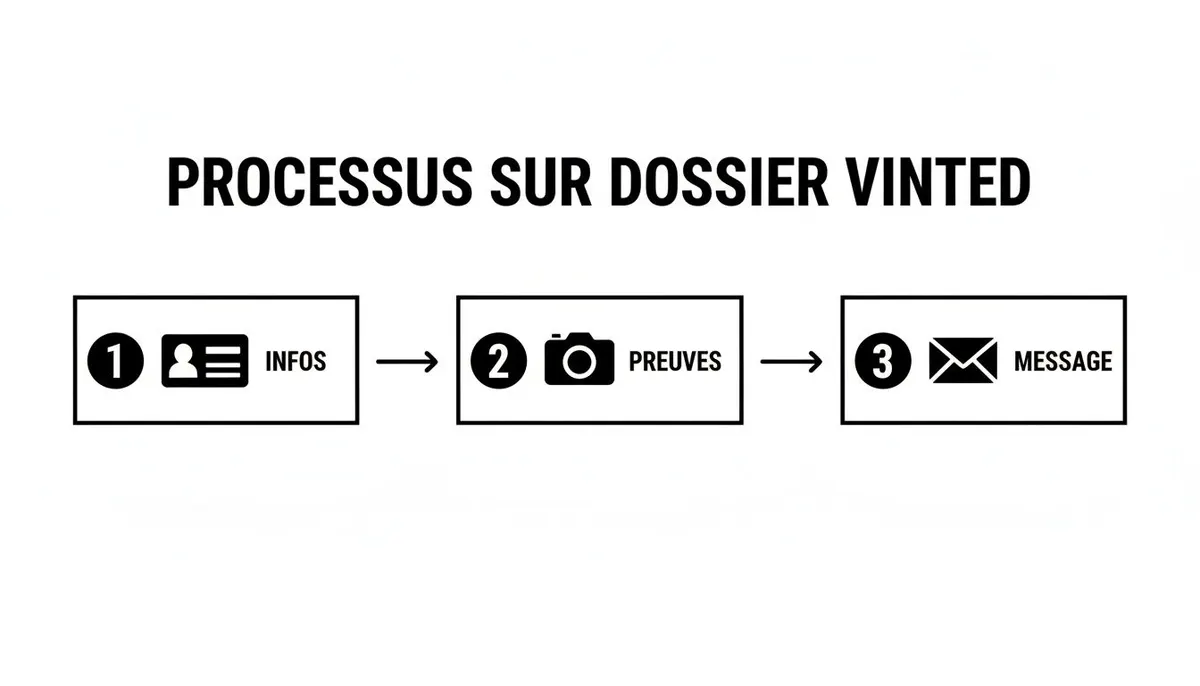
4. Rédigez un message factuel
Expliquez dans l’ordre : la date du blocage, le motif indiqué, puis pourquoi vous pensez que la décision n’est pas justifiée, preuves à l’appui. Restez calme et poli : un message clair facilite le travail de la personne qui examine votre dossier, alors qu’un message agressif ou dix relances ne feront que ralentir le traitement.
Si votre contestation est rejetée, le centre d’aide Vinted indique que vous pouvez encore vous adresser à un organisme de règlement extrajudiciaire des litiges certifié ou aux tribunaux.
Comment contacter Vinted si vous n’avez pas reçu de lien
Vinted ne propose pas de ligne téléphonique pour son service client : les numéros qui circulent en ligne, comme le 118 707, sont des services payants sans lien avec Vinted. Pour joindre le support :
- Rendez-vous dans le centre d’aide Vinted.
- Ouvrez l’article consacré au compte bloqué.
- Utilisez le bouton « Contacte-nous » en bas de l’article pour envoyer votre demande.
Le délai de réponse varie de quelques heures à plusieurs jours. Si vous devez relancer, répondez dans la même conversation plutôt que d’ouvrir une nouvelle demande. Toutes nos astuces sont dans notre guide sur le service client Vinted par e-mail.
Que devient l’argent de votre porte-monnaie ?
Il vous appartient toujours :
- Blocage temporaire : attendez la date de déblocage, puis faites votre virement comme d’habitude.
- Blocage définitif : connectez-vous, allez dans votre profil, ouvrez votre porte-monnaie et effectuez le transfert vers votre compte bancaire.
Vinted précise qu’un transfert peut être impossible dans certains cas : risque pour d’autres membres, compte compromis ou blocage par le prestataire de paiement pour risque de fraude. Si le virement échoue, contactez le support et vérifiez que vos coordonnées bancaires sont à jour (voir notre guide sur le virement Vinted vers votre compte bancaire).
Vous ne pouvez simplement plus vous connecter ?
Un compte inaccessible n’est pas forcément bloqué. Avant de contester, vérifiez :
- Le mot de passe : sur l’écran de connexion, cliquez sur « Mot de passe oublié », saisissez l’adresse e-mail du compte, puis suivez le lien de réinitialisation reçu par e-mail (pensez aux spams).
- L’adresse e-mail : si vous n’y avez plus accès ou si vous ne savez plus laquelle vous avez utilisée, consultez notre guide sur la connexion Vinted par e-mail.
- Une panne : si l’application ne répond plus pour personne, le problème vient peut-être de Vinted. Voir Vinted en panne ou qui ne marche pas.
Une fois reconnecté, gardez votre e-mail et votre numéro de téléphone à jour dans les paramètres : ils servent à vérifier votre identité et à récupérer votre compte.
Comment éviter un nouveau blocage
- Des photos 100 % personnelles, prises par vous, sous plusieurs angles.
- Des descriptions honnêtes : défauts, mesures, état réel. C’est aussi la meilleure protection contre les litiges.
- Tout se passe sur Vinted : messages, paiement et envoi. Ne proposez jamais de conclure une vente ailleurs.
- Pas de bots ni d’automatisation pour publier, republier ou envoyer des messages en masse.
- Le bon statut : si vous achetez pour revendre, passez sur Vinted Pro. Notre comparatif Vinted Pro vs particulier vous aide à y voir clair.
- Pas de nouveau compte pour contourner un blocage : c’est contraire aux règles et le nouveau compte risque d’être bloqué à son tour.
Les vendeurs très actifs ne sont pas interdits sur Vinted, mais ils sont plus exposés aux vérifications. Depuis 2023, Vinted transmet aussi au fisc les données des vendeurs qui dépassent 30 ventes ou 2 000 € par an (directive DAC7) : vendre ses affaires reste possible, mais une activité de revente doit être déclarée.
Questions fréquentes
Combien de temps dure un blocage Vinted ?
Un blocage temporaire dure de 7 à 30 jours selon le motif, et la date de déblocage s’affiche quand vous vous connectez. Un blocage définitif ne se lève que si votre contestation aboutit.
Peut-on récupérer un compte Vinted bloqué définitivement ?
C’est possible, mais seulement si vous prouvez que la décision est une erreur. Vous n’avez droit qu’à une contestation par décision, dans les 6 mois : préparez un dossier complet avec des preuves avant de l’envoyer.
Mes ventes en cours sont-elles perdues ?
Contactez le support pour les commandes en cours : il vous indiquera comment les gérer selon votre situation. Votre solde déjà disponible, lui, reste transférable vers votre compte bancaire, sauf exceptions liées à la fraude ou à la sécurité.
Puis-je créer un nouveau compte après un blocage ?
Non. Créer un compte pour contourner un blocage est contraire aux règles de Vinted et peut entraîner le blocage du nouveau compte. Concentrez-vous plutôt sur la contestation.
Existe-t-il un numéro de téléphone pour débloquer un compte Vinted ?
Non. Vinted ne propose pas d’assistance téléphonique : passez par le lien de contestation reçu ou par le formulaire « Contacte-nous » du centre d’aide. Méfiez-vous des numéros surtaxés qui prétendent vous mettre en relation avec Vinted.